Progress Button

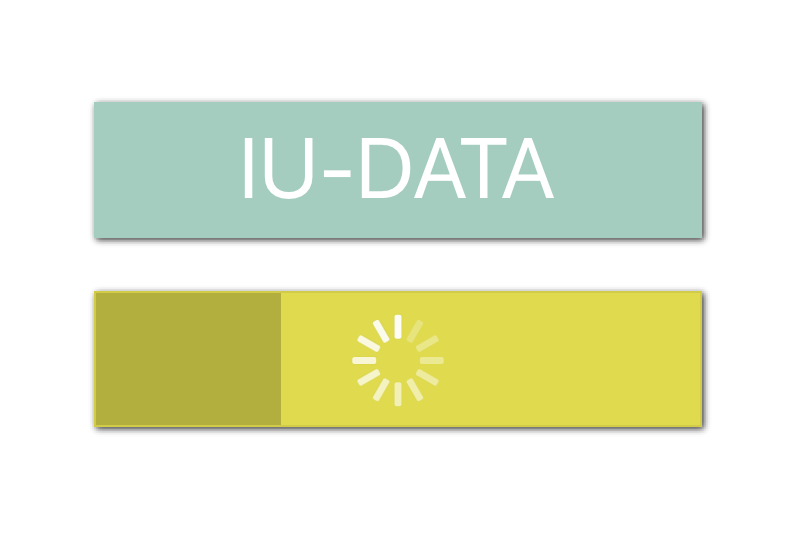
This add-on allows you to add a button with a progress indication during the execution of your procedure linked to it.
Simply made with a web viewer, it is possible to configure the web viewer completely independently with a simple copy and paste. Responsive, the size is determined by the size of the web viewer.
Features
- Link the button with a FileMaker script from one of your solution
- 10 different progression styles
- Select the button's inactiv color
- Select the button's activ color
- Select the button's radius corner
- Customization of the button's text
- Customization of the button's size/weight/color
- Customization of the background color
- FileMaker script for interaction with the add-on
- Responsive size
- No context needed
Compatibilities
Operating systems :
- macOS Catalina 10.15 or greater
- Windows 10 64-bit or greater
- iOS 13.2 or greater
FileMaker:
- Claris FileMaker Pro 19.3 or greater
- Claris FileMaker Go 19.3 or greater
FileMaker WebDirect:
- All browser compatible with WebDirect using the add-on on a hosted file by Claris FileMaker Server 19.3 or greater
Please note that on FileMaker Go 19 the Progress Button activation inside the web viewer require a double tap.